Add Health Data to Apple Health via API
Send readings from your scale, smart home or own software to Syncvita over HTTP. The iOS app adds them to Apple Health automatically.
- Free, no sign-up
- Servers in Germany
- 7 data types
- No analysis, no sharing
POST https://api.syncvita.de/v1/weight
Authorization: Bearer YOUR_API_KEY

{"weight": 72.5, "unit": "kg"}Weight
72.5 kg
Added by Syncvita
Four steps to Apple Health
It takes about five minutes from signing up to seeing your first value in Apple Health. You only need to write code if you want to send data automatically.
-
Generate an API key
Click “Generate API key”. You get a free key instantly – no registration, no email address required.
-
Install the iOS app
Download the Syncvita app from the App Store, enter your key and grant it write access to Apple Health.
-
Send data via the API
POST your measurement as JSON to the matching endpoint, for example https://api.syncvita.de/v1/steps with the header Authorization: Bearer YOUR_API_KEY.
-
The value lands in Apple Health
The app receives a push notification, fetches the value, writes it into Apple Health through HealthKit and reports it back as synced.
Analyse your health data with AI
If you want, it also works the other way round: the app transfers selected Apple Health data to Syncvita. You can then ask Claude, ChatGPT or any other AI application that supports MCP how your sleep, heart rate or weight are developing – including local AIs.
-
Optional and off by default
Nothing is transferred until you explicitly switch on the export in the app and give your consent.
-
You decide what and how much
An assistant asks which data types and how much history to transfer: 30 days, 90 days, one year or everything.
-
Stored in Germany
The data is transferred encrypted and stored on our server in Germany. No advertising, no sale, no sharing – except with an AI assistant you connect yourself.
-
Stop and delete at any time
One tap in the app ends the export and immediately deletes all transferred data from our server.
Guide: connect AI assistants Details on purpose, retention and your rights
For developers: one request is enough
Every endpoint works the same way: send JSON, pass a bearer token in the header, done. No SDK, no OAuth dance, no app development.
curl -X POST https://api.syncvita.de/v1/steps \
  -H "Authorization: Bearer YOUR_API_KEY" \
  -H "Content-Type: application/json" \
  -d '{"steps": 5234, "date": "2026-08-24"}'
await fetch('https://api.syncvita.de/v1/heart-rate', {
method: 'POST',
headers: {
'Authorization': 'Bearer YOUR_API_KEY',
'Content-Type': 'application/json'
},
body: JSON.stringify({ bpm: 72, date: '2026-08-24', time: '14:30:00' })
});import requests
requests.post(
"https://api.syncvita.de/v1/weight",
headers={"Authorization": "Bearer YOUR_API_KEY"},
json={"weight": 75.5, "unit": "kg", "date": "2026-08-24"},
)Endpoints and value ranges at a glance
| Data type | Endpoint | Required field | Valid range |
|---|---|---|---|
| Steps | POST /v1/steps |
steps |
0 – 100.000 |
| Weight | POST /v1/weight |
weight |
0 – 500 (kg / lbs) |
| Heart Rate | POST /v1/heart-rate |
bpm |
20 – 300 |
| Blood Oxygen | POST /v1/blood-oxygen |
spo2 |
0 – 100 % |
| Body Fat | POST /v1/body-fat |
percentage |
0 – 100 % |
| Blood Sugar | POST /v1/blood-sugar |
glucose |
10 – 600 mg/dL |
| Hydration | POST /v1/hydration |
milliliters |
0 – 10.000 ml |
Every endpoint additionally accepts the optional fields date and time (steps use start_time and end_time). POST /v1/bulk sends several measurements in a single request. The rate limit is 100 requests per hour per API key.
Frequently asked questions about the Apple Health API
The questions we get asked most often, answered briefly and concretely.
The iOS app connects it all
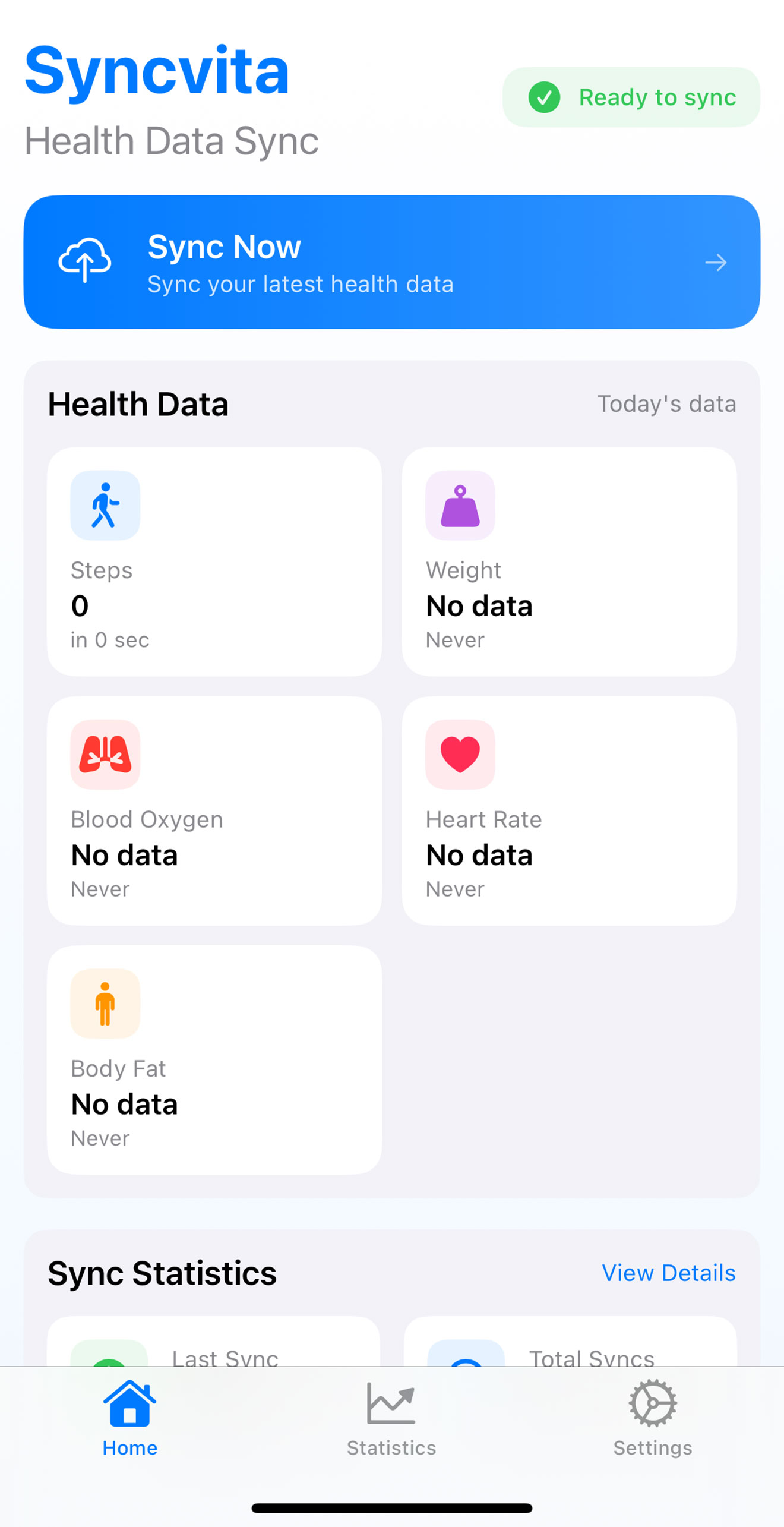
The app picks up new values via push notification and adds them to Apple Health. It runs on iPhone and iPad; an Apple Watch is not required.
Download on the App Store